
qBittorrent
qBittorrent is a free, open-source BitTorrent client with no ads. Version 5.2.3 is the current Windows release.
Windows
Open source

uTorrent (μTorrent) is a small BitTorrent client for Windows from Rainberry (BitTorrent Inc) for downloading and sharing files over torrents.
Average 0.0 · ratings: 0
Thank you! Your rating is saved; you can change it. Could not save the rating. Please try again later. Too many ratings from your network today. Please try again tomorrow. The average appears after 5 ratings.
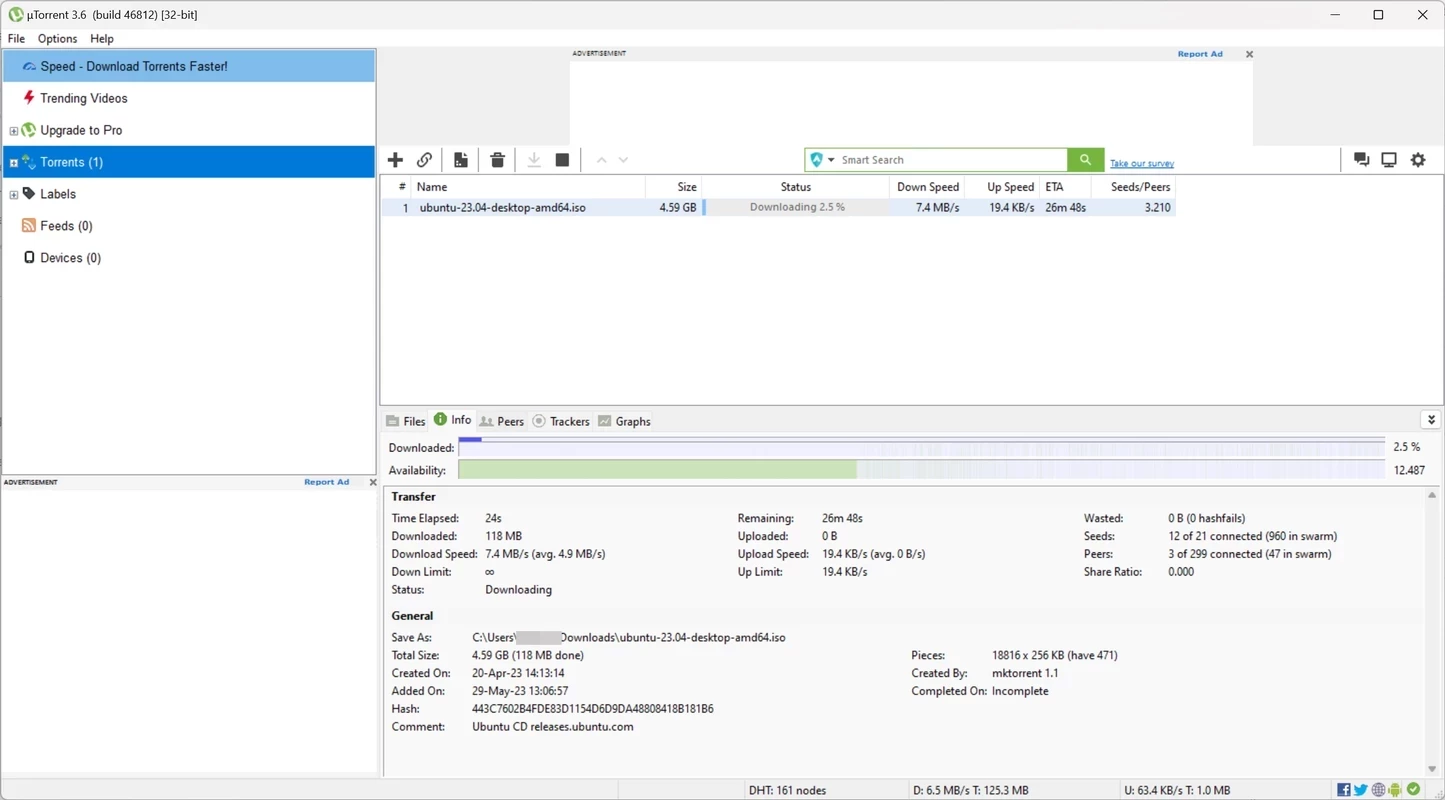
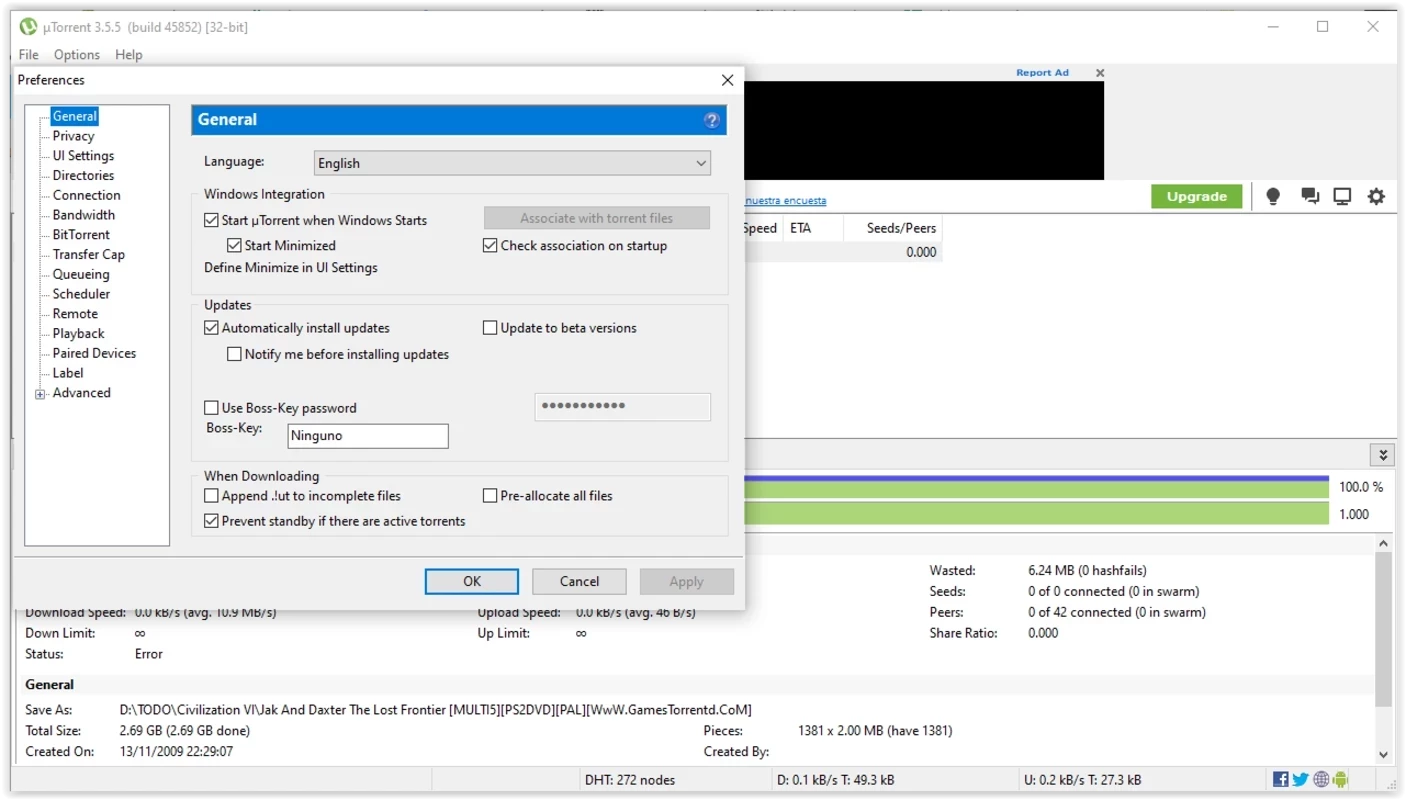
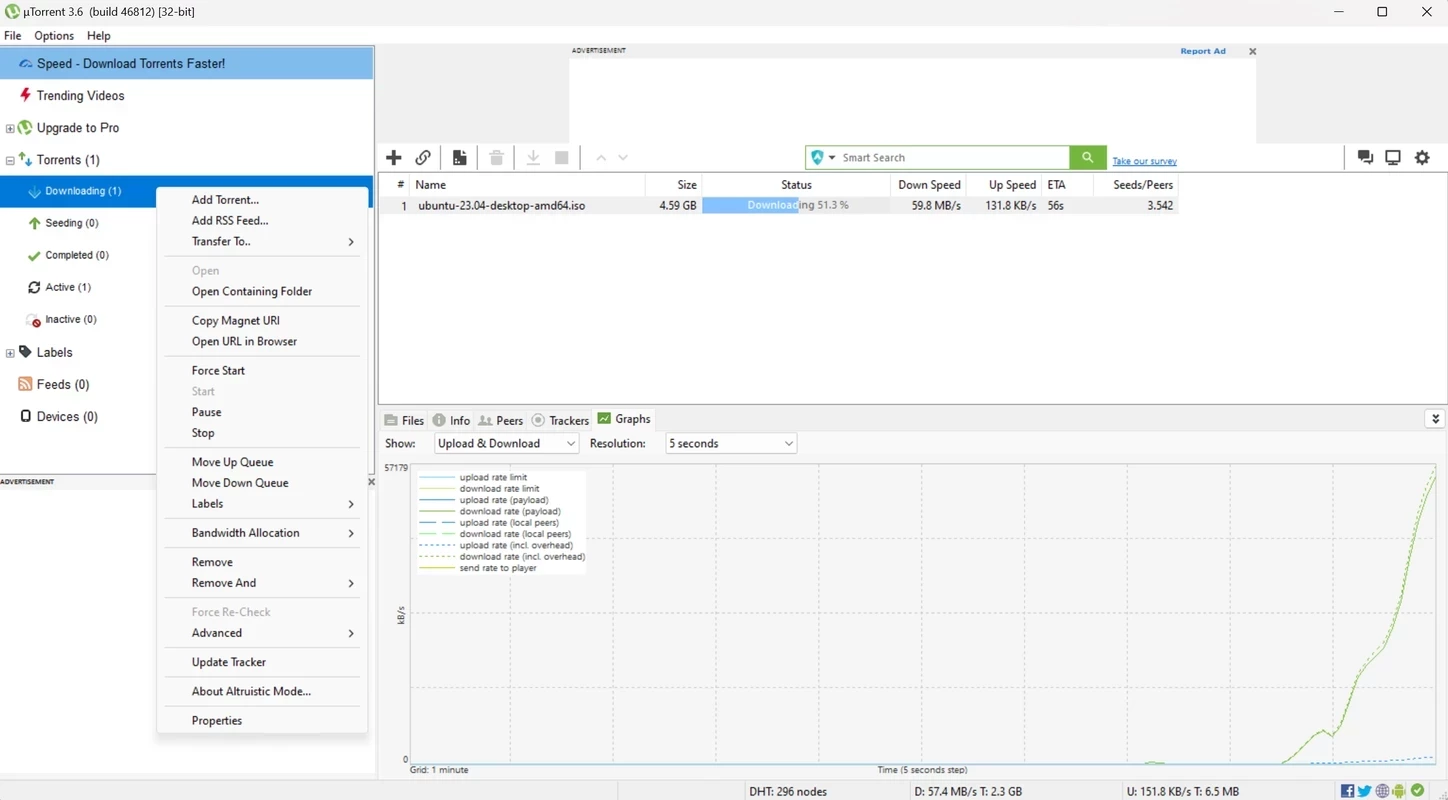
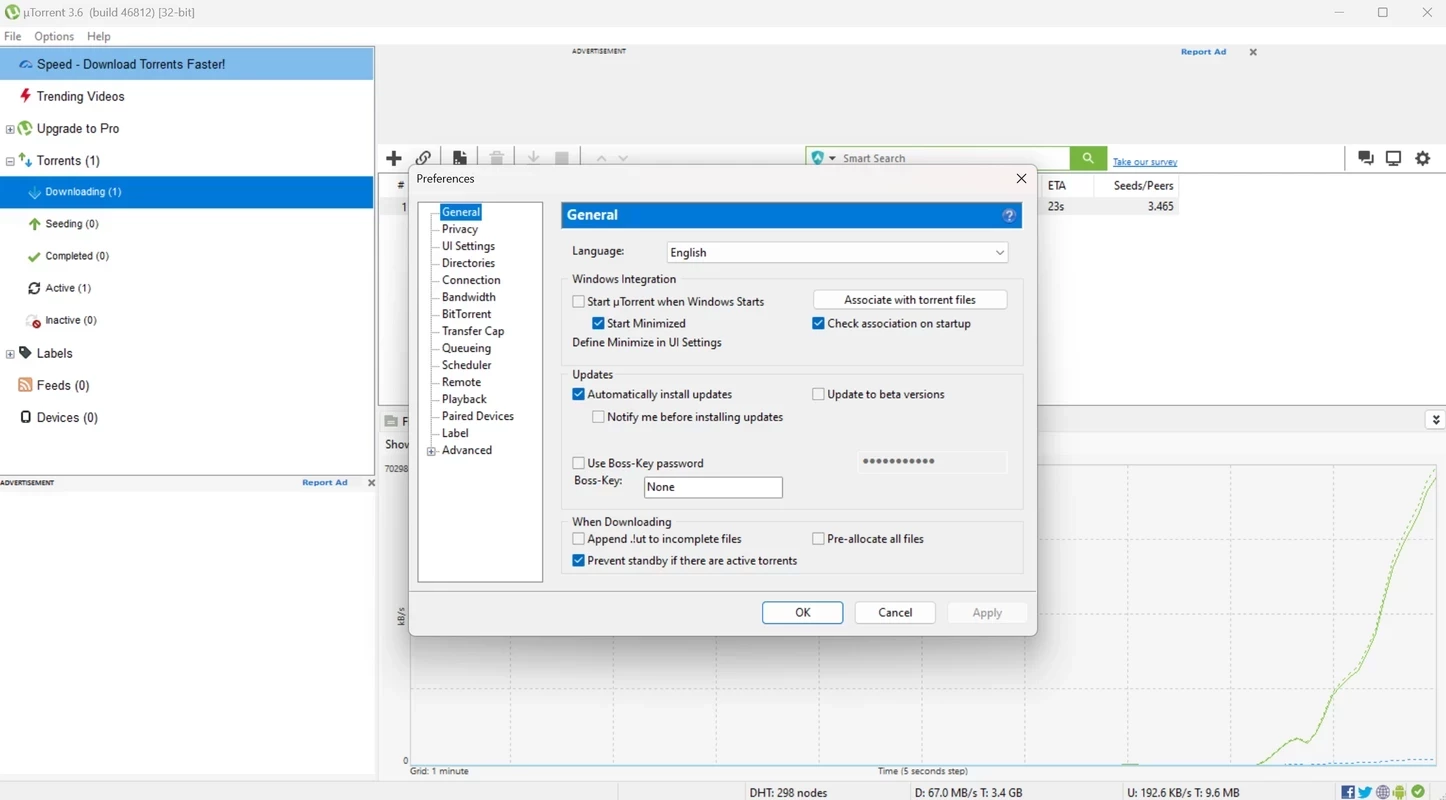
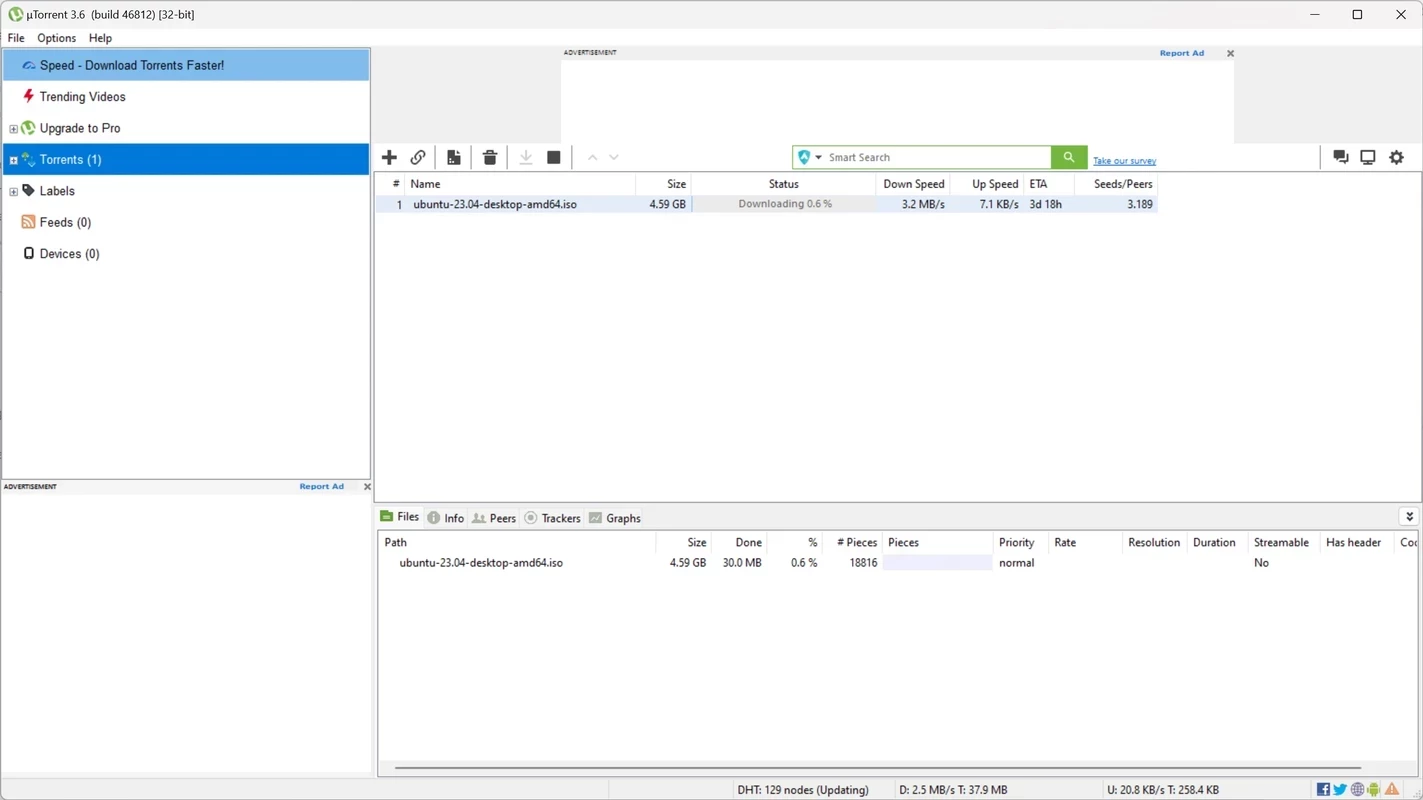
uTorrent 3.6.0.47254 for Windows is the current stable build of the μTorrent BitTorrent client, and you can download it from the official utorrent.com website. It downloads and shares files over the BitTorrent network from a small, familiar desktop program.
| Program | uTorrent (μTorrent) |
|---|---|
| Version | 3.6.0.47254 |
| Developer | BitTorrent Inc / Rainberry, Inc.; originally Ludvig Strigeus |
| License | Freeware, proprietary |
| First released | 18 September 2005 |
| Written in | C++ |
| Also available for | macOS, Linux, Android |
| Size | about 3.69 MB according to catalogue data |
BitTorrent splits a file into small pieces and lets everyone who downloads it share those pieces with each other. A client like uTorrent handles that exchange: you open a .torrent file or a magnet link, choose where to save, and the program downloads pieces from many peers at once while uploading pieces you already have. The Windows client lets you queue several downloads, limit bandwidth so browsing stays smooth, schedule transfers for the night and pick individual files inside a large torrent. Its small size and low resource use are what many users like about it. Legitimate uses include Linux distributions, game patches, public-domain films and large open datasets that projects distribute via torrents to save server costs.
Changes are described on the official release notes blog.
Wikidata describes μTorrent as a BitTorrent client and proprietary adware, and the free version does show ads and installer offers. Download only from utorrent.com, as modified builds from other sites may hide miners or spyware. Scan downloaded files before opening them, since torrents are a common way to spread malware disguised as films or cracked programs. Downloading copyrighted material without permission is illegal in many countries, and your IP address is visible to other peers.
Prefer torrents published by the project itself, such as official Linux images, and compare checksums when they are provided. Keep seeding for a while after the download finishes if you can, and cap upload speed so your connection stays usable for everyone at home.
The client is light and runs on current Windows versions without special hardware; disk space depends on what you download. Allow it through the Windows firewall when asked, or transfers may be slow.
The basic client is free with ads. Paid versions remove ads and add features.
qBittorrent, Deluge, BitComet and BitTorrent are other torrent clients in the same networking category.
qBittorrent is a free, open-source BitTorrent client with no ads. Version 5.2.3 is the current Windows release.

SHAREit is a free Windows app from the SHAREit Team for moving photos, videos and documents between a PC and a phone. The current version is 5.1.0.7.

Zapya for Windows is a free file transfer app from DewMobile for moving files between a PC and phones over a local wireless connection.

Easy Connection to Screen is Samsung's Windows app for showing a PC's screen on a compatible Samsung TV over a wireless connection.

4K Video Downloader Plus is a Windows program from Open Media for saving online videos, playlists and audio for offline use, with a free mode and paid licences.

Internet Download Manager (IDM) is a shareware download manager for Windows from Tonec that accelerates, resumes and schedules downloads.

AnyDesk is a remote desktop application for connecting to and controlling another computer over the internet, from a small Windows program.

ShareMe is Xiaomi's free app for sending files between devices without a cable; on Windows the Android app runs only inside an emulator.

Xender is a free file sharing app from the Xender File Sharing Team for sending files between phones and computers over a local connection.